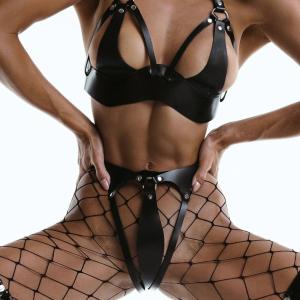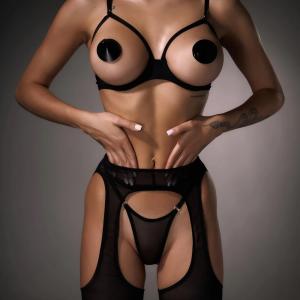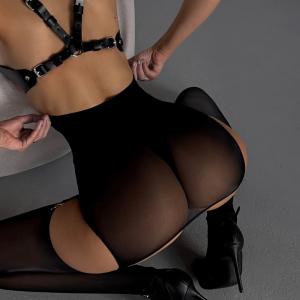
Cut a 3-to-5-hour boudoir edit down to minutes. Here's the exact 5-step workflow, from import to export, with skin that still looks like skin.
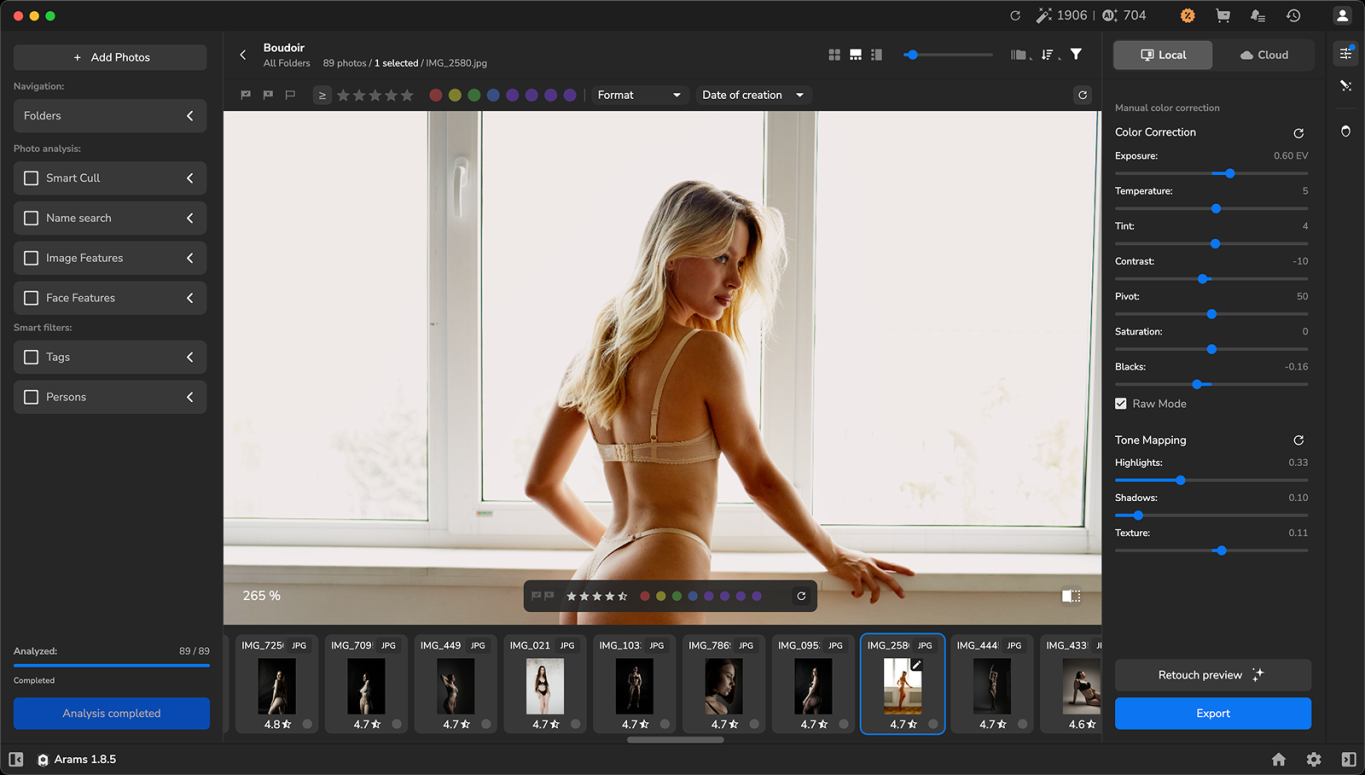
The boudoir session is over; the client loved the experience, but the hardest part is still ahead: sorting through several hundred photos, retouching, and editing. Boudoir is a genre where we treat retouching with special care, trying to make the images more flattering while keeping them natural.
You know firsthand how exhausting skin retouching is, and how much the details matter: working by hand on complex skin texture, delicate color correction. Every stage is time, hundreds of repetitions, and monotonous routine work. A single session usually takes 3 to 5 hours in front of the monitor.
But what if most of those repetitive actions could be handed off, leaving you only the creative decisions and your authorial eye? Retouch4me Arams was created by professional photographers who once hit the wall of routine retouching themselves and know what a burning deadline with hundreds of frames to process feels like. They know the feeling of wanting to create rather than spend hours at the computer.
Here's how you can deliver finished images to clients faster, without sitting for hours at your monitor.
Let's go step by step.
STEP 1. Register on Retouch4me’s website and download Arams
Registration is free. All it takes is an email address. On your first login, 20 free retouching credits + 100 analysis credits are activated automatically. Each credit lets you download a finished, retouched photo with no watermarks of any kind.

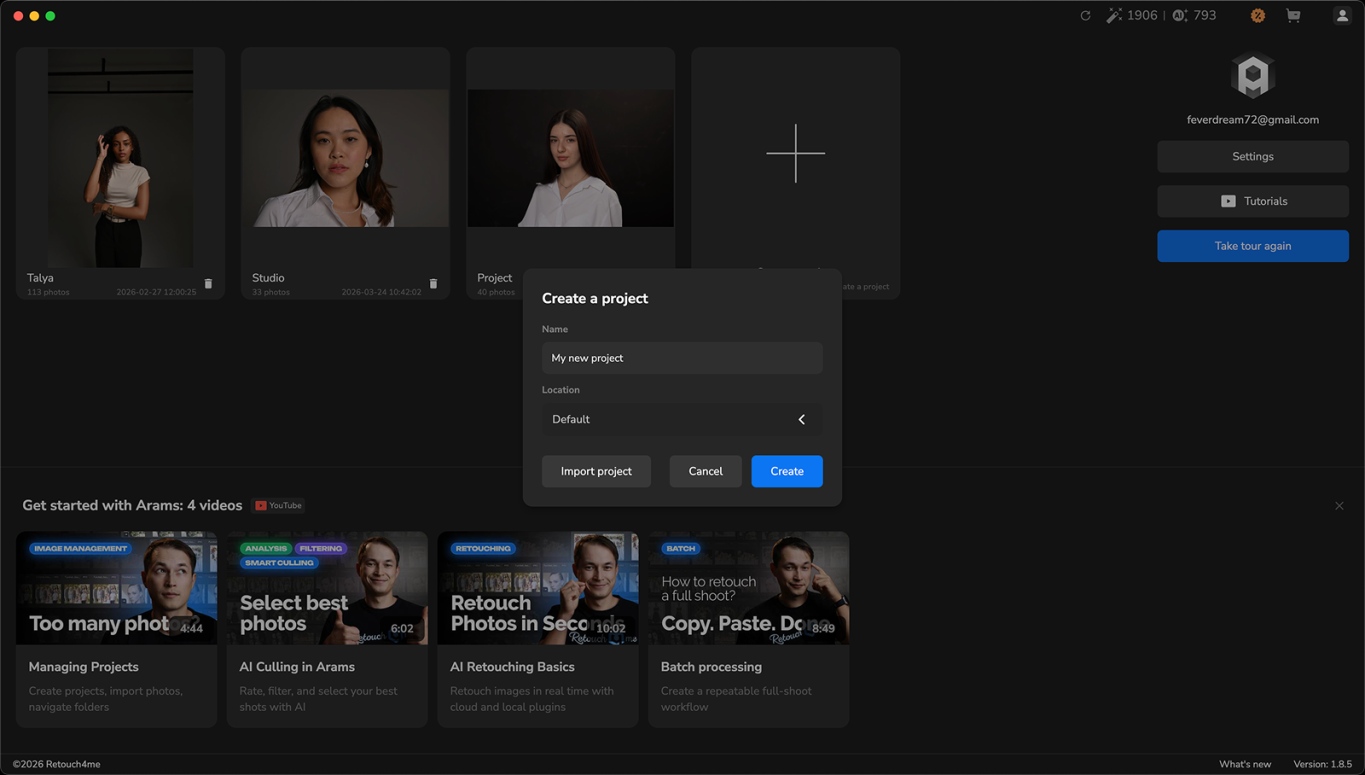
STEP 2. Import your photos
Retouch4me Arams lets you upload RAW or JPEG files. For faster work with RAW, you can turn on JPEG Preview.
Step 3. Run smart culling
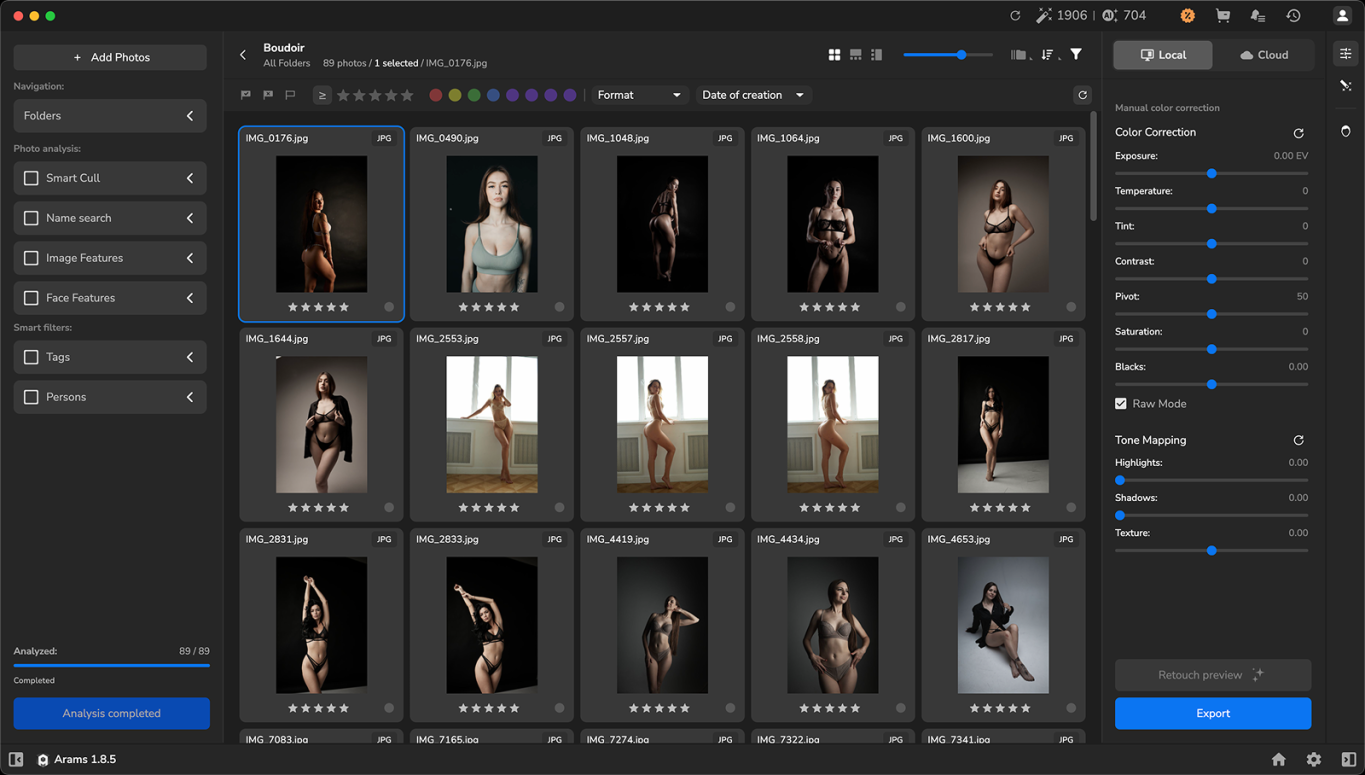
Retouch4me Arams reviews the entire shoot and flags closed eyes, blurry frames, and poor angles. In the culling panel you can set a specific filter. 300+ shots are narrowed down to the best selects in seconds, with no need to review every frame by hand.
Step 4. Apply AI retouching
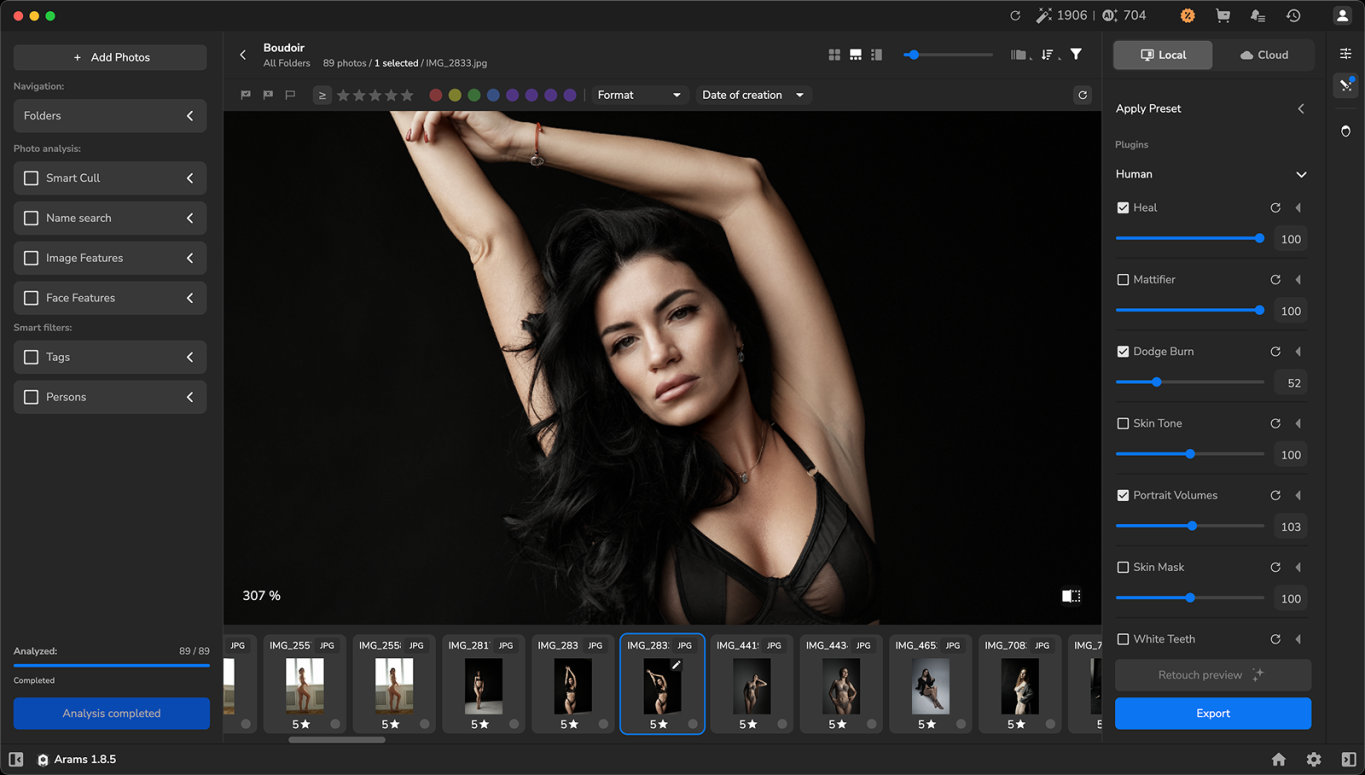
Inside Arams you can use several retouching plugins at once: Heal, Eye Brilliance, White Teeth, Dodge & Burn, and more. You can pick the ones you need for your particular work, set the processing intensity to your taste, and apply your chosen retouching to a single frame or to the whole batch with one click.
Step 5. Color grade and export
Once the retouching is applied, you can set the image's color palette and add your signature style. Arams gives you options: apply a LUT from Retouch4me's online library, choose your own preset, or import a reference photo so the whole series stays in one consistent style.
Export is available in both JPEG and TIFF, preserving all masks and layers.
The main question you might ask yourself: won't the skin look plastic, and won't the retouching change the model's features too much? For the creators of Arams, preserving skin texture was a matter of principle. The neural network was trained for years on thousands of images that professional retouchers had processed by hand, so it would learn to keep results natural.
Arams fits into your familiar workflow. Depending on your preferences and working conditions, you can run it locally on your own computer or in the cloud, where all you need is a stable internet connection.
Whichever processing method you choose, Retouch4me guarantees the safety of your images: the developer does not use clients' photos to train the model, so you and your clients can be confident of full privacy either way.
Natural retouching is essential for boudoir photography: keeping the natural texture and getting a professional, genuinely beautiful result, so that the final edit of your boudoir images only highlights your craft. Arams works like an experienced retoucher, leaving the authorial eye and all the key decisions to you while freeing up precious hours for other tasks and for creative work.
Try 20 free retouches from Retouch4me right now on your own boudoir shots. No built-in subscriptions, no bank card details. You lose nothing, except the routine hours you're tired of.

 Ad
Ad